
1. Search a player
Enter a username or UUID to load that player skin instantly.
Skin Viewer
Check how a Minecraft skin looks before you use it. Search a player, rotate the 3D model, and download the exact render you need.
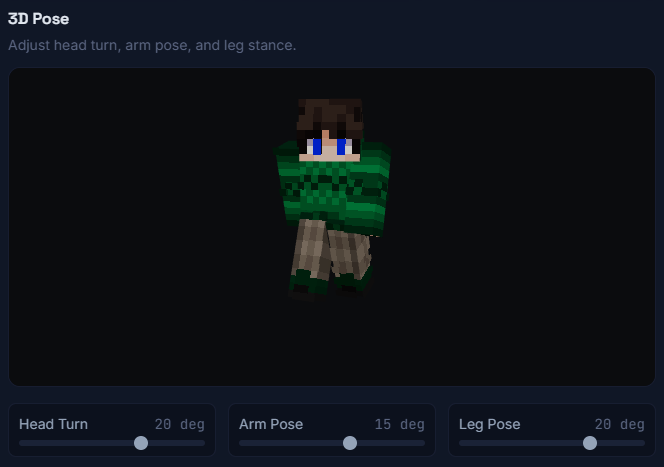
This is the custom pose preview from PvPIndex Skins. You can adjust head, arm, and leg positions to see how a skin looks from different angles.
Enter a username or UUID to load that player skin instantly.
Move the head, arms, and legs to get the exact look you want.
Save face, head, body, or full skin files for profiles and server pages.